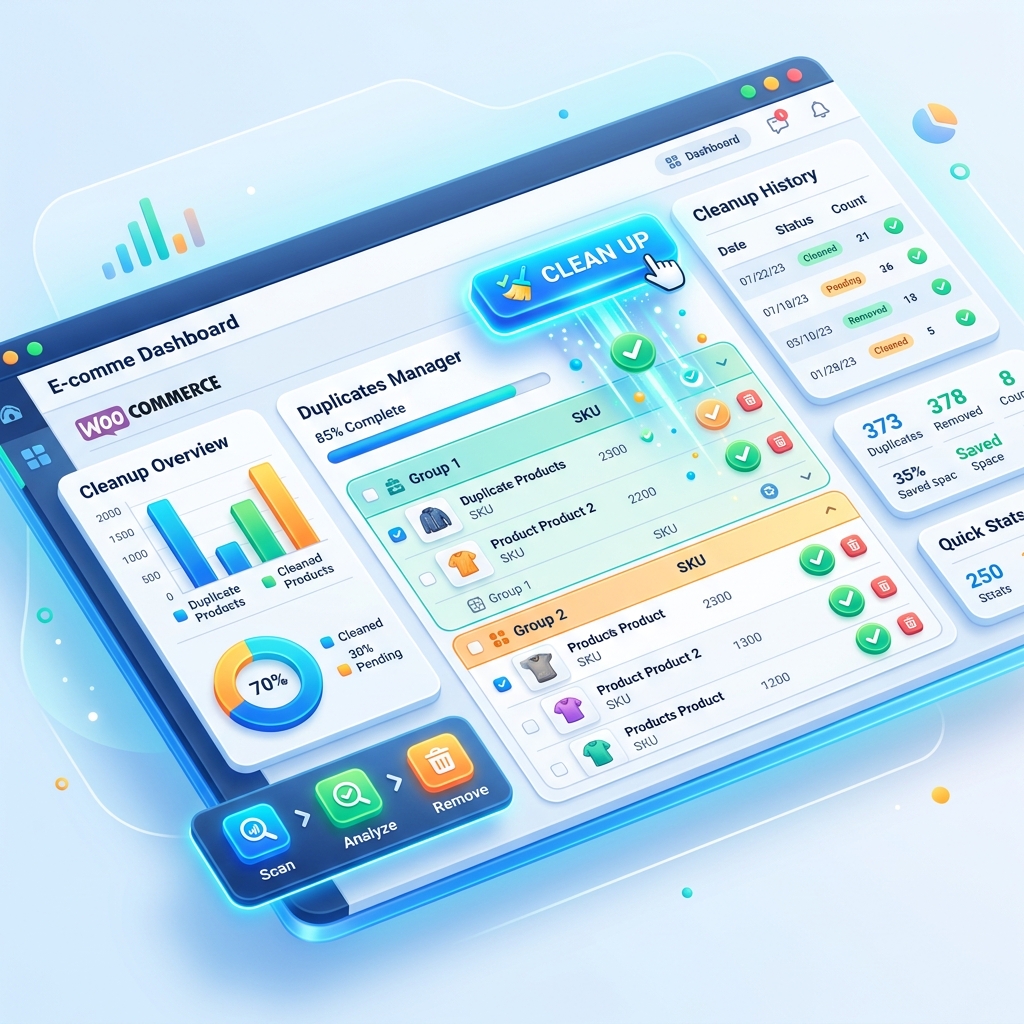
How to Fix Duplicate Products in WooCommerce: The Ultimate SEO Recovery Guide
The WooCommerce Duplicate Crisis: Why "Just Deleting" Isn't Enough
If you've ever run a CSV import or synced your store with an external ERP, you've likely seen it: your 500-product catalog suddenly balloons to 1,500. Browsing your shop page feels like looking into a hall of mirrors. But the real damage isn't what your customers see—it's what Google sees.
In this guide, we'll walk you through the technical process of identifying, cleaning, and redirecting duplicate products to ensure your store stays fast and your SEO remains intact.
Phase 1: The SEO Impact (Keyword Cannibalization)
When search engines find three identical pages for the same product, they don't know which one to rank. Instead of picking the "best" one, they often divide the ranking power among all three, or worse, ignore them all as "duplicate content." This is known as Keyword Cannibalization.By using Delete Duplicate Products for WooCommerce, you can identify these "Hidden Twins" before they tank your domain authority.
Phase 2: Systematic Identification
Don't just look at titles. A professional cleanup requires a multi-layered approach:- SKU Matching: The most reliable method. If two products share an SKU, one is an error.
- Slug Analysis: Identical slugs (often appended with -2, -3) are a dead giveaway of import failures.
- Content Similarity: Sometimes titles differ slightly, but the description is a 1:1 copy.
Phase 3: The Safe Deletion Workflow
Never delete directly to the database. Always use a workflow that allows for recovery: * Draft First: Move suspected duplicates to "Draft" status. Check if your sales reports or stock levels are affected. * Trash, don't Delete: Keep items in the WordPress Trash for 30 days. 301 Redirects: This is the most critical step. If a duplicate has any* backlinks or search traffic, you MUST redirect that URL to the master product.The Melopo Solution
Our Delete Duplicate Products Pro version automates the 301 redirect creation. When you delete a duplicate, the plugin automatically maps the old URL to the preserved version, saving 100% of your Link Equity.Pro Tip: Schedule a weekly scan. Ecommerce databases are dynamic—automated maintenance is the only way to guarantee a clean catalog year-round.
More Articles

How to Handle WooCommerce Duplicate Products: A Complete SEO Guide
Duplicate products in WooCommerce are more common than you think. Learn how they destroy your SEO rankings and how to fix them fast.
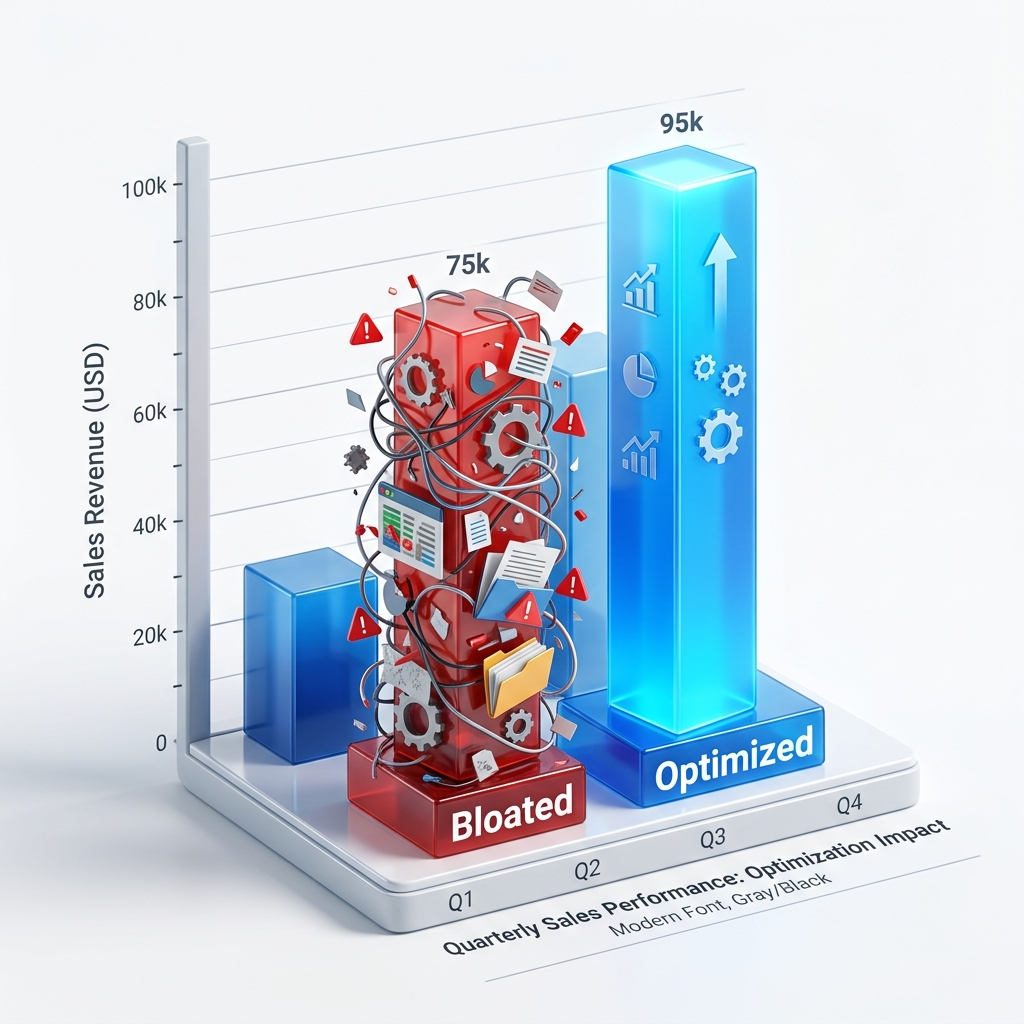
Boost WooCommerce Sales by Cleaning Duplicates
Is your WooCommerce store feeling sluggish? Duplicate products increase cart abandonment and confuse customers.