
WordPressSEOContentTechnical SEO
Why Duplicate Content Kills Your WordPress SEO (And How to Fix It)
May 12, 2026
7 min read
The Science of Duplicate Content: Why Google Ignores Over 30% of Store Pages
If you're managing a WordPress site, you might be accidentally hosting "Shadow Content." These are pages that look identical to search engines but have slightly different URLs. According to a study by SEMrush, 65.8% of websites have duplicate content issues.
How Duplicates Kill Your SEO
- Crawl Budget Depletion: Google only visits your site for a limited time each day. If it spends that time looking at 5 versions of the same post, it might never find your new, high-value content.
- Diluted Link Equity: When other sites link to three different versions of your article, your authority is divided by three. You end up on Page 2 instead of Page 1.
- Search Ranking Penalty: While not always a manual penalty, Google filters out redundant results to provide a better user experience.
Cleaning Up with Melopo Duplicate Cleaner
Our tool goes beyond simple title matches. * Deep Scan: We look at post content, metadata, and even custom fields to find "Hidden Twins." * Fuzzy Matching (Pro): Detect near-duplicates where the content is 95% the same but has minor variations. * Safety Lock: Move files to the trash first. You are always in control of the "Final Delete."SEO Action: Sites that clean up duplicate content frequently see a 15-20% boost in organic rankings within the first 30 days.
More Articles

WooCommerceProductsSEO
How to Handle WooCommerce Duplicate Products: A Complete SEO Guide
Duplicate products in WooCommerce are more common than you think. Learn how they destroy your SEO rankings and how to fix them fast.
March 20, 2026
8 min read
WooCommerceSalesOptimization
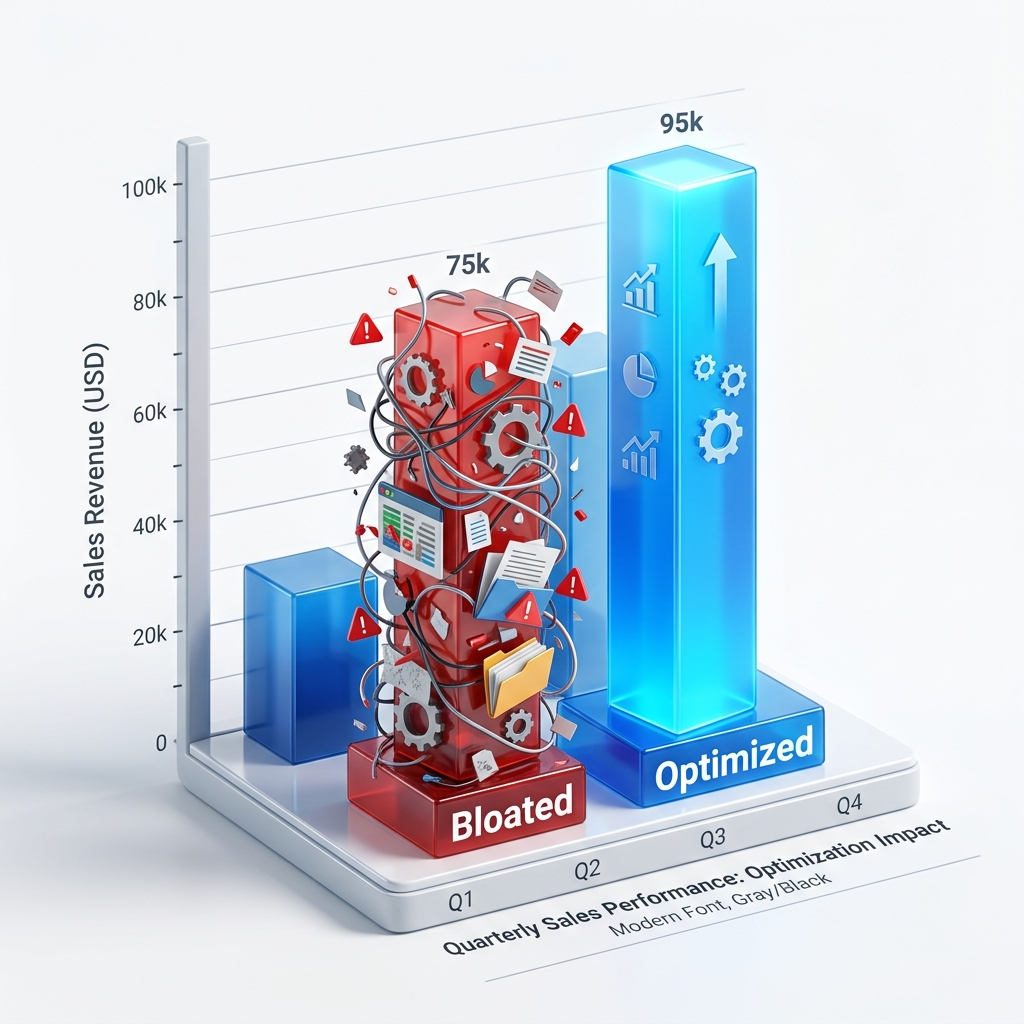
Boost WooCommerce Sales by Cleaning Duplicates
Is your WooCommerce store feeling sluggish? Duplicate products increase cart abandonment and confuse customers.
February 15, 2026
5 min read